Procedure animations to show patients at the chair
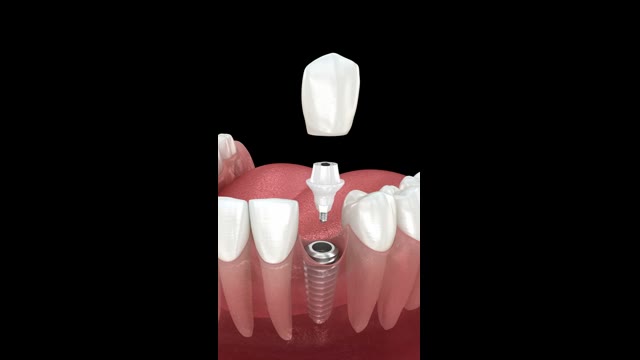
On an X-ray or CBCT scan, patients see grey shadows, yet an implant with a crown costs them a significant sum. A short 3D animation shows them what you will do: an implant, bone grafting, a bridge or root canal treatment.


Available on Google Play. The iPhone and iPad version is awaiting App Store review.
- 44 procedure animations in 12 categories
- 3 animations free, no account
- Offline playback after download
- English and Polish interface
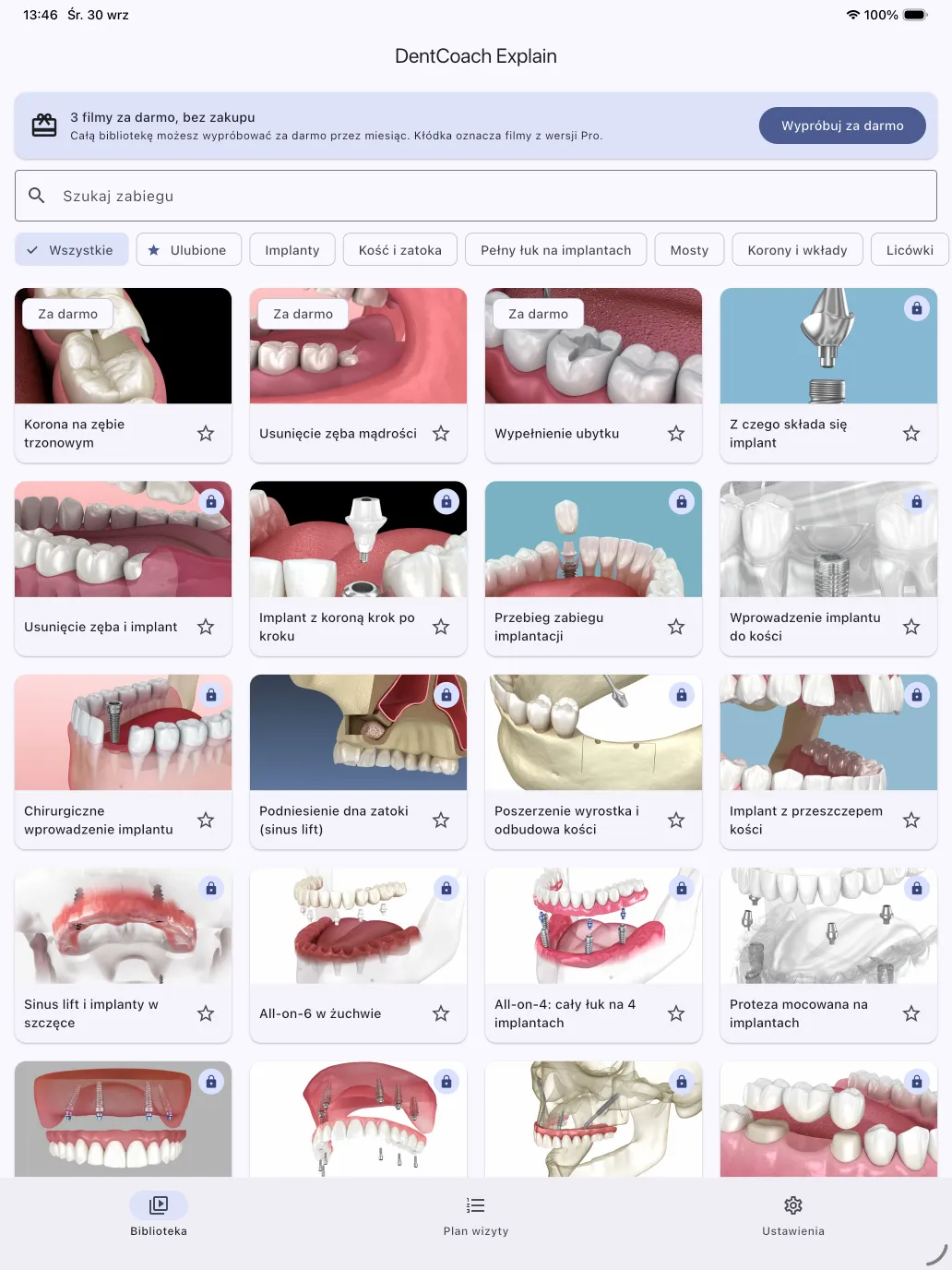
How a chairside conversation works with the app
Find the procedure
Pick a category or type the procedure name. Mark the animations you use most as favourites.
Pause and point
Pause the animation, step frame by frame and draw with your finger on the image to show what matters.
Talk through the visit plan
Arrange several animations in order for this conversation and walk through them in your own words.
The material stays in your practice. You play the animations on your own phone or tablet, with no account and no patient data entered. After download they also work without internet access. All app features.
What the library covers
44 animations across 12 categories, from implants to lingual braces. The library may change with updates. Full list of animations.
- Implantology
- Implant with crown step by step, bone grafting, sinus lift, All-on-4 and All-on-6, implant bridges.
- Orthodontics
- Clear aligners, fixed braces and lingual braces.
- General practice
- Crowns, bridges, veneers and bonding, root canal treatment, wisdom tooth removal, periodontal treatment, dentures.
Categories in the app: Implants, Bone and sinus, Full arch on implants, Bridges, Crowns and inlays, Veneers, Root canal, Extractions, Gums and cleaning, Orthodontics, Dentures, Decay and fillings.
Questions patients bring to the chair
Example questions patients type into search engines, and the library animations that help you answer them.
What does a dental implant look like, step by step?
Animation: Implant with crown, step by step free
What does root canal treatment look like?
Animation: Root canal treatment and tooth restoration
How are veneers placed?
Animation: Tooth preparation and veneers
How is a dental bridge fitted?
Animation: Fitting a bridge
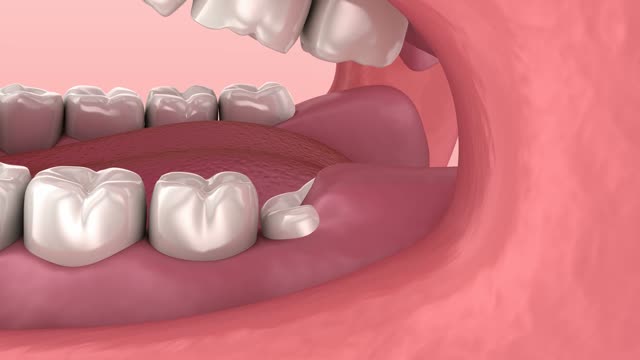
What does wisdom tooth extraction look like?
Animation: Wisdom tooth removal free
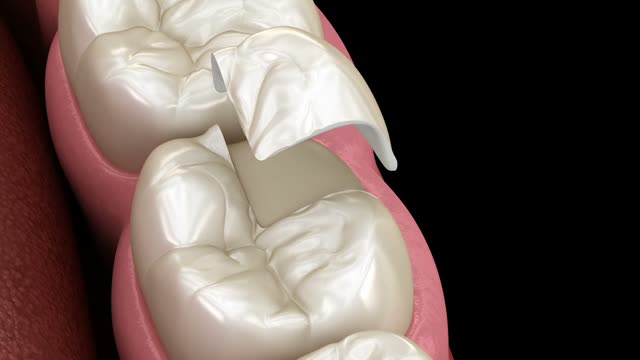
Three animations open without a purchase
These three work without a subscription and without creating an account. The recording at the top of the page shows only these animations.
No account and no patient records required.
What the full library costs
Pro unlocks the full library. Purchases and eligible trials are handled by the App Store or Google Play.
Free
$0
3 animations. No card or account required.
Pro yearly Best value
$159.99 / year
One month free trial for eligible new subscribers.
Pro monthly
$19.99 / month
Two weeks free trial for eligible new subscribers.
Try the three free animations first.
US prices shown. Your store displays the local price, trial eligibility and first charge before purchase. Trials are available once, subject to store rules.
Good to know
Does it work offline?
Downloaded animations play offline. The first download and periodic Pro entitlement checks require internet access.
Can I send an animation to a patient?
No. The material stays in your practice: you show the animations during the visit on your own phone or tablet and do not send files or links to patients. You do not need their email address or phone number.
Do I need to enter patient information?
No. The visit plan is a local animation list. Do not enter information that identifies a patient.
Does this replace a dentist's explanation?
No. The animations are educational aids. Diagnosis, treatment selection and discussion of risks remain the clinician's responsibility.
How do subscriptions and trials work?
Subscriptions renew automatically. The store shows trial length and the first charge before purchase. You can manage or cancel in App Store or Google Play settings.
What about privacy?
There are no patient accounts. We collect anonymous usage events. Email and message content are processed only if you contact support. Read the privacy policy for details.
Have the animations ready for your next visit
Download the app and open three free animations. No account and no patient data.